Your Mac, at a glance
Live CPU, GPU, memory and network activity, plus space on the disks you choose. Use separate widgets or bring it together in a system monitor.
A touch dashboard for Mac
Your Mac’s performance, your music, your next appointment. Zurface keeps the things you reach for on a screen beside your work.
Take a look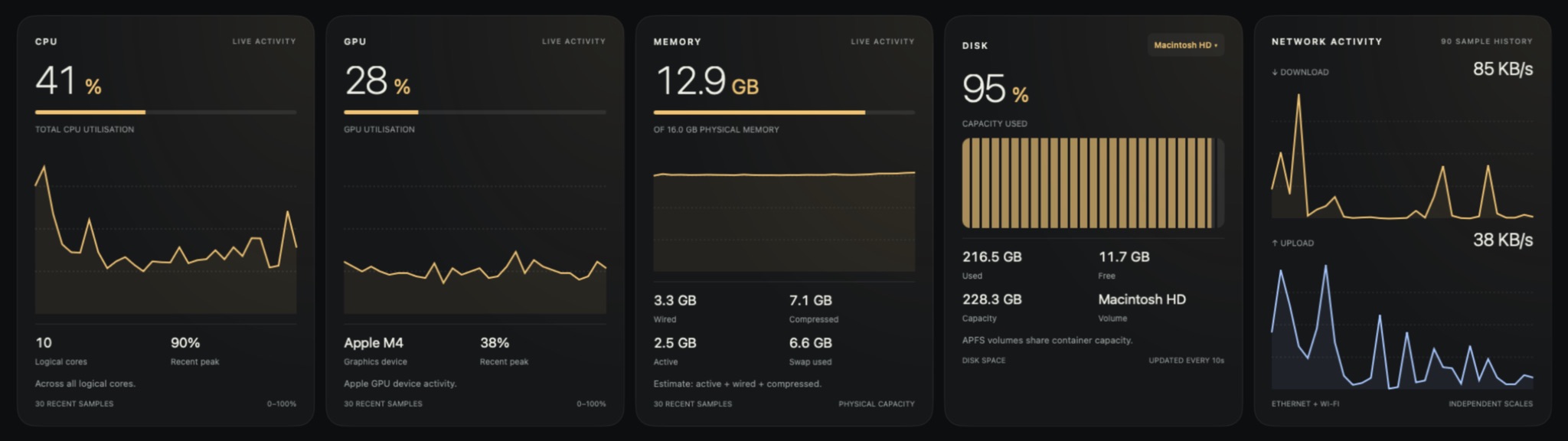
01 / Keep an eye on things
Live CPU, GPU, memory and network activity, plus space on the disks you choose. Use separate widgets or bring it together in a system monitor.
Spotify artwork, track information and basic playback controls. Keep them together, or give each part its own space.
Follow Codex and Claude activity, token counts and available usage information from local session data.
02 / The everyday stuff
Check your calendar, start a focus timer or open an app with a tap. Put the little things you use all day within reach.
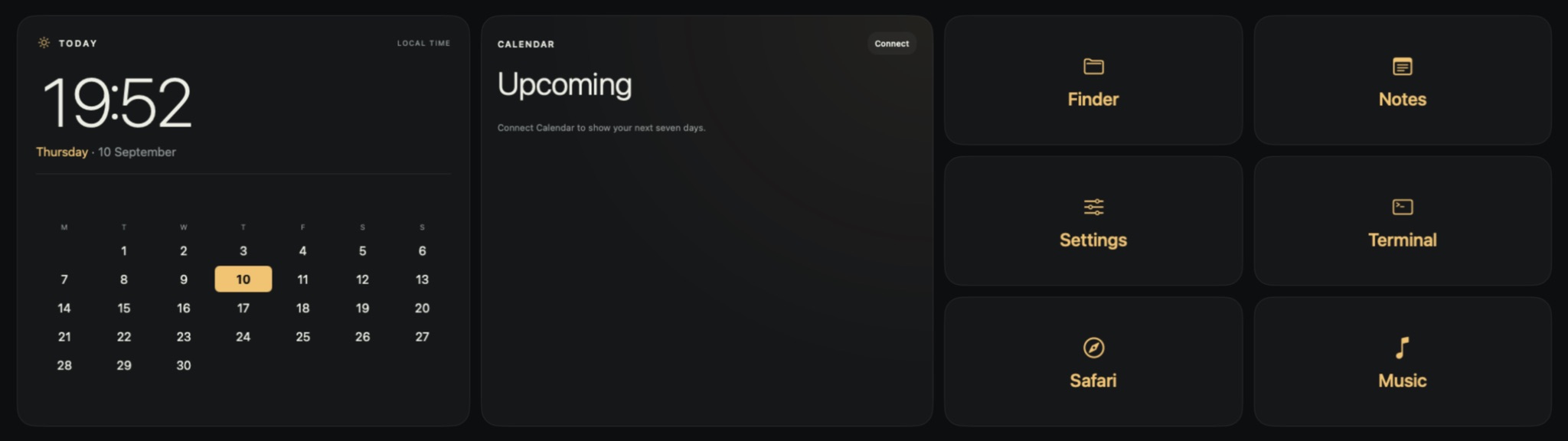
03 / Make it yours
Drag widgets into place, resize sections and stack them. Add up to eight pages and swipe between them on your display.
Start with example pages for performance, everyday tasks and music, then change them to suit your desk.
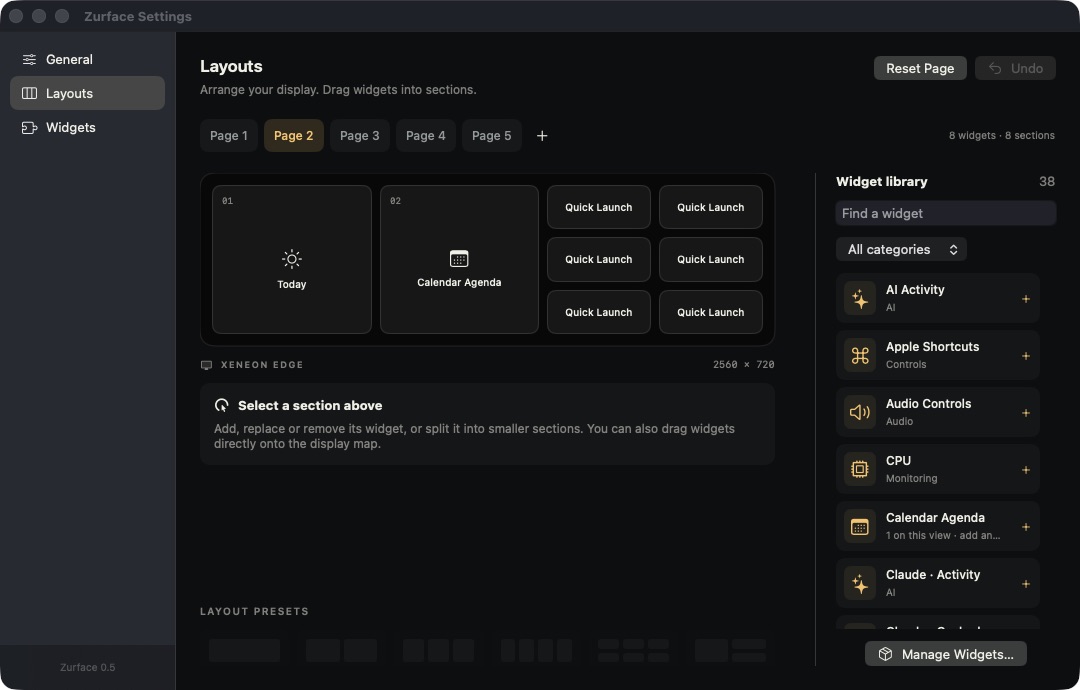
Zurface is a Mac app, built around the Corsair XENEON EDGE touch display. The current build is tested on Apple silicon. You can also preview your dashboard in a normal Mac window.
There’s no Zurface account. Layouts and widget settings are saved on your Mac. Some widgets need access to an app, a macOS permission or an online service to show their information.
Yes. Widgets use HTML, CSS and JavaScript, with a small SDK for app features. Install your own widget package without rebuilding Zurface.
Yes. Zurface is free to download and use. You can optionally support development on Buy Me a Coffee. A public source release is planned.
Zurface 0.5.0 · First release
Free for Mac. Includes touch support and the full widget library. Signed by Punk Labs and notarised by Apple.
Open the DMG, drag Zurface to Applications, then launch it. For touch, connect the display’s USB data cable and allow Zurface in macOS Input Monitoring.